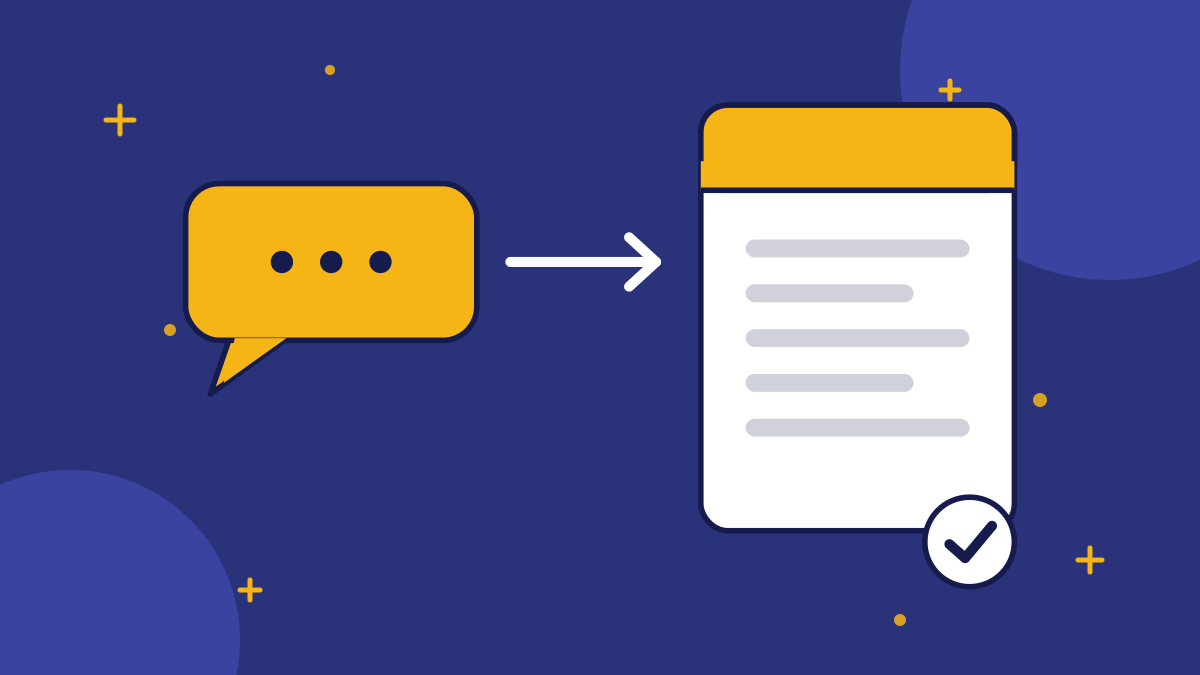
Most content calendars start with guesses and keyword tools. A website chatbot gives you something better: the actual questions visitors asked, in their own words, at the moment they could not find the answer. Every unanswered question is a small content brief written by a customer.
This guide is a weekly routine for turning those questions into pages, FAQ entries and better chatbot answers, so the same question is never unanswered twice.
Where Do the Questions Come From?
They come from the questions your chatbot could not answer. In ConvoRail, the dashboard lists the questions the bot did not have a confirmed answer for, so you can see exactly what visitors wanted. Other sources work too: your support inbox, sales calls, contact form messages and search queries in Search Console.
Treat the chatbot list as the most direct source, because it records the moment of friction on your own site. For the improvement side, see how to use unanswered questions to improve your chatbot. This article covers the content side.
How Do You Group the Questions?
Export or copy a week of questions and group them by topic. Ten questions phrased differently often boil down to one underlying need. Group by what the visitor is trying to learn, not by exact wording.
| Raw questions | Underlying need | Content type |
|---|---|---|
| "Do you ship to Canada?" "International delivery?" | Shipping coverage | FAQ entry plus a shipping page |
| "How long does setup take?" "Can I do it without a developer?" | Effort to get started | How-to guide |
| "Is it cheaper than X?" "Alternatives to X?" | Comparison | Comparison page, written fairly |
| "What happens to my data?" | Trust and privacy | Plain-language data page |
| "Where is your office?" | Basic business fact | Contact page detail and chatbot answer |
How Do You Choose the Right Page Type?
Match the page to the size of the question. A one-line fact belongs in an FAQ entry and the chatbot. A question that needs steps or explanation deserves a guide. A buying question deserves a comparison or pricing explanation. Do not write a 1,500-word article to answer a one-sentence question.
- Quick fact: FAQ entry with an answer-first reply.
- How-to: a short guide with numbered steps.
- Why or what is: an explainer that defines the term early.
- Which one: a fair comparison that says where each option wins.
- Industry-specific: a guide that lists the questions that sector asks.
How Do You Write It So It Works for Search and Assistants?
Use the visitor's own words in the heading, answer directly in the first sentence and then add detail. That structure suits readers, search snippets and AI assistants alike. Our guide to writing FAQ answers AI assistants can quote lays out the pattern.
Keep every fact accurate and checkable. If you do not know the answer yet, find out before you publish. A page that guesses would be exactly the mistake the chatbot is designed to avoid.
What Is the Weekly Routine?
- 1Review the unanswered questions from the past week.
- 2Group them into topics and count how often each came up.
- 3Pick the top one or two topics that need more than a one-line answer.
- 4Write or improve the page, answer-first, with the visitor's wording in the heading.
- 5Add the same facts to the chatbot's Q&A pairs so it can answer next time.
- 6Link the new page from related pages and your navigation where it makes sense.
- 7Note the date in a log, and check next month whether those questions dropped.
Twenty to forty-five minutes a week is enough. The routine compounds: each cycle removes a class of questions from the unanswered list and adds a page that can bring in new search visitors.
How Do You Know It Is Working?
Look for fewer repeat unanswered questions on the topics you covered, more traffic to the new pages from search and more visitors completing the action the page leads to. Do not expect fast results from search, because new pages take time to be crawled and to earn visibility.
Be careful not to over-read small numbers. A topic that appeared three times last week and twice this week has not necessarily improved. Track the trend over a month or two before drawing conclusions.
Pro Tip: Keep a running "questions we answered" list at the top of your tracking document. It is useful evidence of progress and a source for your next FAQ refresh.
What Does One Week Look Like? A Hypothetical Example
The numbers below are invented for illustration. Suppose a small online shop's chatbot could not answer twelve questions in a week.
| Group | Questions | Action |
|---|---|---|
| Shipping to other countries | 5 | Write a shipping page, add FAQ entries and chatbot answers |
| Size and fit | 3 | Add a size guide section to product pages and the chatbot |
| Gift wrapping | 2 | Add one FAQ entry and one chatbot answer |
| Wholesale | 1 | Add a contact route and a short wholesale page later |
| Unclear or off-topic | 1 | Ignore, or note for review |
The biggest group gets the most effort, the small groups get a one-line fix and the odd ones are noted without overreacting. Three actions cover eleven of the twelve questions.
What Mistakes Should You Avoid?
- Writing before checking the facts: an answer you are unsure of should wait until someone confirms it.
- Making every question a long article: most deserve a short entry.
- Forgetting to update the chatbot: a new page that the bot does not know about leaves the gap open.
- Never revisiting: check next month whether those questions stopped appearing.
Related reading: using unanswered questions, does a chatbot help SEO and knowledge base maintenance checklist.
Conclusion
Unanswered chatbot questions are customer-written content briefs. Group them weekly by underlying need, choose a page type that fits, write answer-first in the visitor's words, add the facts to the chatbot and check the trend over time. It keeps your site and your bot growing from what visitors really ask.
Key takeaways
- Unanswered chatbot questions are customer-written content briefs.
- Group questions by underlying need, not exact wording.
- Match the page type to the size of the question.
- Write answer-first, using the visitor's words in the heading.
- Add the same facts to the chatbot so the question is not unanswered twice.
Quick Summary
Turning chatbot questions into content means reviewing unanswered questions weekly, grouping them by underlying need, choosing a page type that fits the question, writing answer-first in the visitor's own words, then adding the same facts to the chatbot. About 20 to 45 minutes a week removes whole classes of unanswered questions and adds pages that can attract search visitors, though results from search take time.
Want to see grounded answers on your own site?
Start free, add your Q&A pairs and paste one script tag. No credit card required.

Founder & CEO
Writes about grounded AI chatbots for websites: how they work, how to measure them and what to check before you buy.
Topics
Get new posts by email
Guides on AI chatbots for websites, straight to your inbox.