A recurring phrase in AI discussions is that assistants are moving "from chatbot to co-worker" - meaning tools that don't just answer a question, but take multi-step action to actually resolve it: checking an order status, updating a booking, issuing a return, following up automatically. It's a meaningful shift in capability, and it's worth understanding clearly what's real progress versus what's still aspirational for most small businesses today.
1. The Real Distinction: Answering vs. Acting
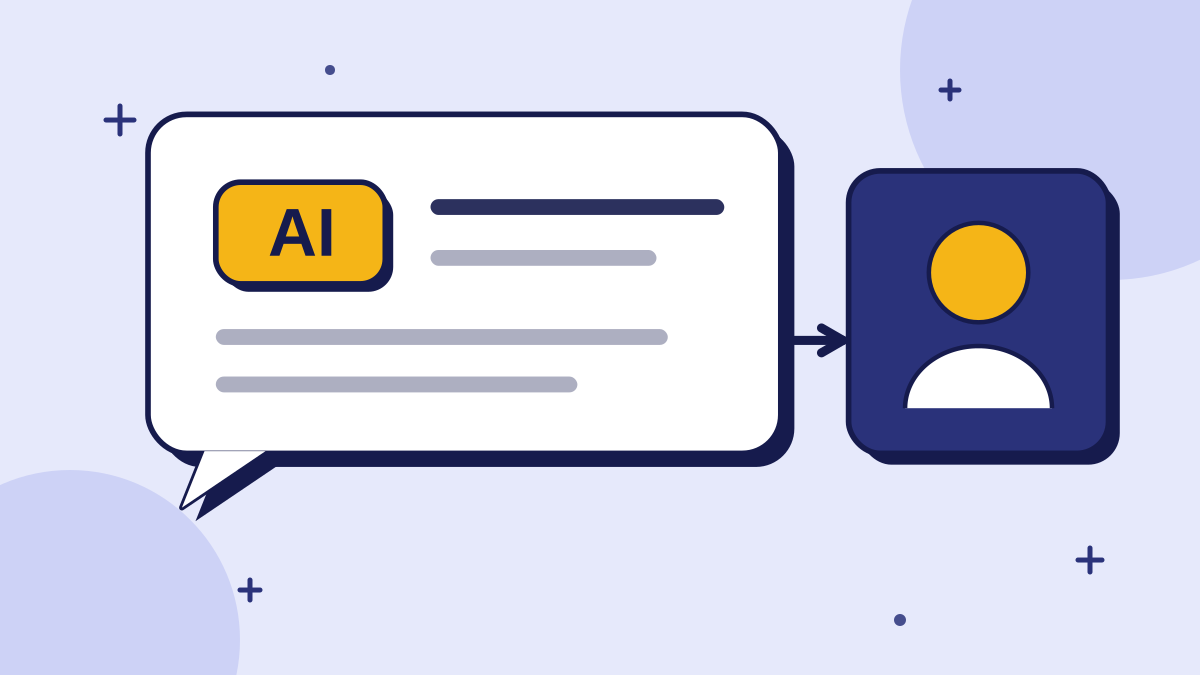
A traditional support chatbot answers questions - "here's our return policy," "here's how to reschedule." An AI agent, in this newer sense, can actually take the action itself - checking your specific order in the system and processing the return directly, rather than describing the steps and leaving you to do them.
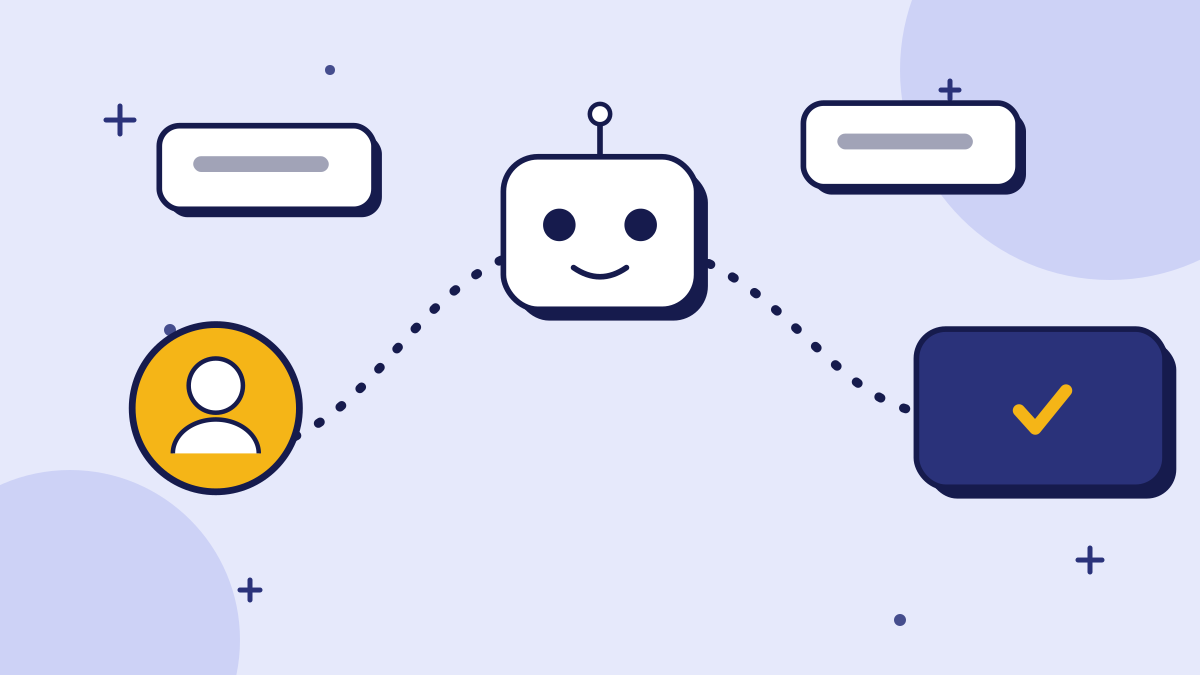
Here is the difference in a single scenario. A customer wants to return a pair of shoes. A chatbot explains the return window and links to a returns form. An agent checks whether the order is eligible, generates the return label, and emails it to the customer, then confirms in the chat that the label is on its way. The customer never leaves the conversation and never has to find a form.
That is what "from chatbot to co-worker" means in practice: the software completes a unit of work, the way a junior colleague might, instead of only explaining how the work is done.
2. Why This Matters for Customer Experience
The gap between "here's how to do it" and "it's done" is a real source of customer friction - every extra step a customer has to take themselves after getting an answer is a chance for them to give up, get frustrated, or need to contact support again. Closing that gap is genuinely valuable when it's done carefully.
Friction is easy to underestimate. Each extra step, such as finding a page, filling a form, or waiting for an email, is a point where a customer can drop out. For a small business, even a modest reduction in that drop-off matters, because every lost customer is a larger share of your revenue than it would be for a big company.
There is also a benefit for your team. When repetitive actions are handled automatically, people have more time for the conversations that need judgment, such as upset customers, unusual requests and relationships worth protecting.
3. Where This Is Genuinely Ready, and Where It Isn't
It's important not to conflate "AI agents exist as a concept" with "any AI agent is ready to handle any action for your business." The risk profile depends heavily on what kind of action is being automated.
The common thread is reversibility and clarity. If an action can be checked easily and undone cheaply, automation is a reasonable choice. If an action has lasting consequences or depends on context that is hard to write down, it belongs with a person, at least until you have a long record showing the automation behaves correctly.
Lower-Risk, More Ready
Well-defined, rule-bound actions with a clear right answer: checking an order status, confirming a booking exists, looking up account information - actions that are essentially a lookup, with limited room for the AI to go wrong in a costly way.
Higher-Risk, Needs More Caution
Actions with real consequences and genuine judgment calls: processing a refund outside policy, canceling a contract, anything financial or irreversible - these deserve a human in the loop, or at minimum tight guardrails and confirmation steps, not full autonomy.
Pro Tip: A useful filter: would you be comfortable with a new, well-meaning but inexperienced employee taking this action without checking with you first? If not, it's not ready to be fully automated yet either - human or AI.
4. What This Looks Like Done Well
The businesses getting real value from this aren't handing over everything at once - they're expanding automated action carefully, starting with the lowest-risk, highest-frequency tasks.
- Start with lookups and confirmations - order status, appointment confirmation, account details - before moving to anything that changes a record.
- Add guardrails before autonomy - a confirmation step, a spend or scope limit, an escalation path when the AI isn't confident.
- Keep the same grounding and fallback discipline that matters for a Q&A chatbot - an agent that acts confidently on a wrong assumption is worse than one that just answers a question wrong, because it's actually changed something.
- Measure and review what the agent actually did, not just what it said, since action-taking systems need auditing at a different level than pure Q&A.
A sensible rollout might look like this over a quarter. In month one the agent only looks things up and answers. In month two it can take one low-risk action, such as resending a confirmation, while a person reviews a daily sample of what it did. In month three you decide, based on the review, whether to add another action or leave things as they are. There is no prize for moving faster than your confidence allows.
Do not forget the customer's view. Tell people when an action has been taken and what will happen next, and always leave an easy way to reach a person. Automation that does the right thing but explains it badly still feels like a failure.
5. What to Ask a Vendor Claiming "AI Agent" Capability
The term gets used loosely, so it's worth asking specifically what "agent" means in a given product.
- 1What specific actions can it actually take, versus just describe?
- 2What happens when it's uncertain - does it act anyway, ask for confirmation, or escalate to a human?
- 3Is there an audit trail of what actions were taken and why?
- 4Can you scope or limit which actions it's allowed to take without a human confirming first?
Treat the vendor's answers as evidence. A clear, specific list of actions, a visible log and adjustable limits suggest a mature product. Vague promises about "autonomy" and "end-to-end resolution" with no detail suggest marketing. If possible, ask to see a real conversation where the agent was uncertain, and check that it stopped and asked for help rather than pressing ahead.
Summary
The shift from chatbot to "co-worker" - AI that takes action rather than just answering questions - is a real and valuable direction, closing a genuine gap in customer experience when scoped carefully. The mistake to avoid is treating all actions as equally ready for automation: lookups and confirmations are a reasonable place to start; anything irreversible or judgment-heavy still deserves a human in the loop.
If you're evaluating this for your own business, start narrow, keep an audit trail, and expand only as the AI proves reliable on the lower-risk actions first.
Key takeaways
- The shift from "chatbot" to "AI agent" is about taking action - actually processing a request - not just answering a question about it.
- This closes a real customer experience gap, but readiness varies a lot by the type of action being automated.
- Lower-risk actions (lookups, confirmations) are more ready for automation than higher-risk ones (refunds outside policy, cancellations, anything irreversible).
- A useful filter: would you trust a new, well-meaning employee to take this action unsupervised? If not, it's not ready for full AI autonomy either.
- When evaluating a vendor's "AI agent" claim, ask specifically what actions it can take, what happens when it's uncertain, and whether there's an audit trail.
Quick Summary
AI agents that take multi-step action - not just answer a question, but actually check an order, process a return, or update a booking - are a real and growing capability, often described as chatbots moving "from chatbot to co-worker." This closes a genuine customer experience gap, but readiness varies by risk: well-defined lookups and confirmations (order status, booking confirmation) are more ready for automation today than higher-risk, judgment-heavy actions (refunds outside policy, cancellations, anything irreversible), which still deserve a human in the loop or tight guardrails. When evaluating a vendor's "AI agent" claim, ask specifically what actions it can actually take, what happens when it's uncertain, and whether there's an audit trail of what it did.
Want to see grounded answers on your own site?
Start free, add your Q&A pairs and paste one script tag. No credit card required.

Founder & CEO
Writes about grounded AI chatbots for websites: how they work, how to measure them and what to check before you buy.
Topics
Get new posts by email
Guides on AI chatbots for websites, straight to your inbox.