If you follow AI news you have seen the letters MCP a lot. Behind the acronym is a fairly simple idea, and it matters mostly to the tools you use, not to something you have to build.
1. The Problem MCP Solves
An AI assistant on its own only knows what it was trained on and what you paste in. To be useful at work, it needs to read your calendar, look up an order or check a document. Before a shared standard, every connection was custom: each AI app needed its own plug for each tool.
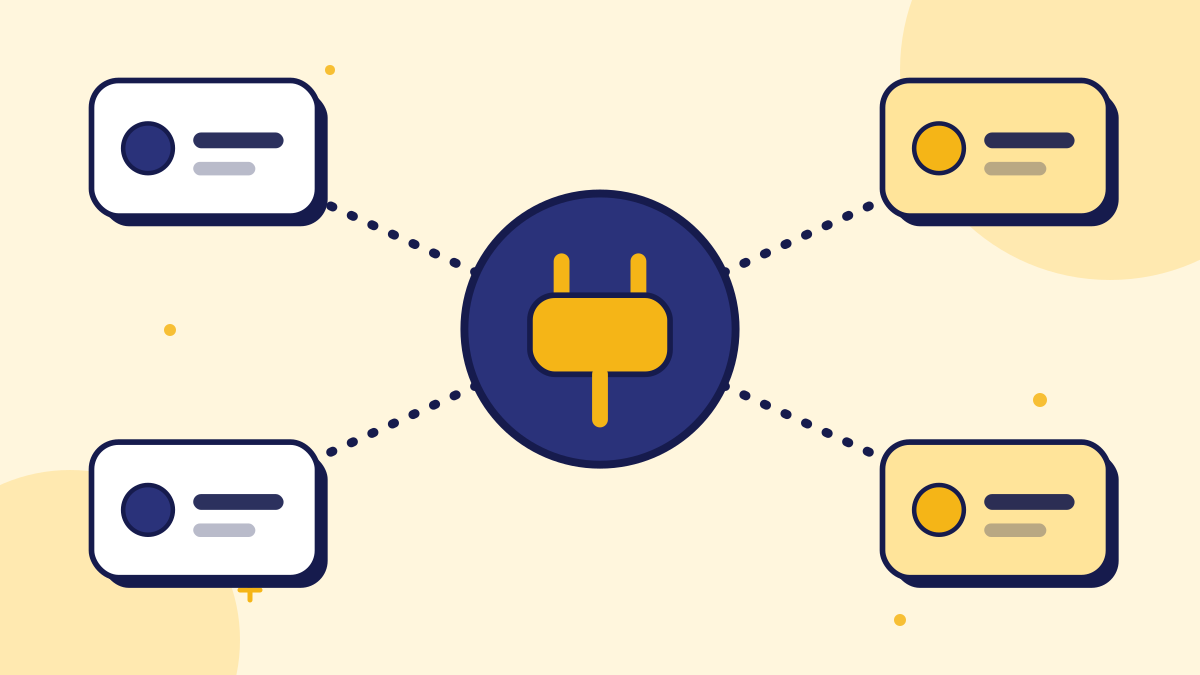
MCP defines a common way for an AI application (the client) to talk to a tool or data source (the server). Sources often compare it to a universal connector: build the connection once, and any compatible AI app can use it.
An everyday analogy is a travel adapter. Without one, every country needs its own plug for every device. With a standard adapter, the same device works anywhere. MCP is meant to play that role between AI apps and the tools they use. It does not make the AI smarter; it makes the connection simpler and more reusable.
2. Where It Came From
The history is short and recent, so details are still being reported and sometimes disagree. The points below are the commonly reported milestones.
- November 2024: Anthropic introduced MCP as an open standard.
- 2025: other major AI companies are reported to have adopted it, including OpenAI and Google DeepMind. Details come from secondary sources, so verify specifics in official announcements.
- December 2025: reports say Anthropic donated MCP to the Agentic AI Foundation, a project under the Linux Foundation co-founded by Anthropic, Block and OpenAI, to keep it vendor-neutral.
Figures for how many MCP servers or downloads exist vary widely between sources, so we are not quoting any. For the standard itself, see the official MCP documentation.
Because adoption claims travel quickly and are hard to check, a sensible approach is to rely on official sources for anything you plan to depend on. The standard is open, which means its specification and documentation are public and you can read how it works rather than trusting a summary.
3. What It Means for a Small Business
You will probably never write MCP code. You will notice it as AI tools that can reach into your other software: a meeting notes tool that updates your CRM, an assistant that reads your inbox, a chatbot that can check a booking. That convenience comes with a trade-off.
| Benefit | Thing to watch |
|---|---|
| AI tools connect to your apps without custom work | Each connection is a door: check what the tool can read and change |
| Switching AI tools gets easier | A tool with broad access can do more damage if misled |
| More automation of routine tasks | Actions taken in your name need review, not blind trust |
A small example helps. Imagine an assistant that can read your calendar through MCP. That lets it answer "when am I free on Thursday?" without you pasting anything. If the same connection also let it create and delete events, a mistaken instruction could rearrange your week. The benefit and the risk come from the same capability, which is why permissions matter so much.
4. Sensible Habits Before You Connect Anything
These habits are simple and do not require technical skill. Apply them whenever you connect an AI tool to another system.
- 1Start read-only. Let a tool look before you let it change anything.
- 2Grant the minimum. Connect only the folders, inboxes or records the task needs.
- 3Know who runs the connector. A server built by a stranger is software you are trusting with your data.
- 4Keep a human in the loop for actions. Money, deletions and messages to customers deserve a person's approval. The same logic appears in our guide to prompt injection.
- 5Review access now and then. Remove connections you no longer use.
None of these habits require technical skill. They are the same instincts you already use when giving a new employee access to systems: begin with the minimum, watch how they work, and extend trust as it is earned. Writing down which tools are connected, and to what, takes a few minutes and makes later reviews much easier.
5. MCP and Customer-Facing Chatbots
For a website chatbot, more connections are not automatically better. A bot that answers from approved content is easy to reason about. A bot wired into many systems can answer more, but can also say or do more than you intended. We are not claiming any MCP support for ConvoRail here; the point is that connection breadth should follow how much you trust the guardrails. For the bigger picture of where AI agents are heading, see from chatbot to co-worker.
For a visitor on your website, what matters is that answers are accurate and that the bot knows its limits. Whether the plumbing behind it uses MCP or something else is an implementation detail. Judge any chatbot by its behavior: does it stay within approved content, hand over when unsure and leave a clear record of what it did?
6. Questions to Ask a Tool That Offers MCP Connections
If a tool you are considering advertises MCP connections, a few plain questions will help you judge it. You do not need to understand the protocol to ask them, and a good vendor will welcome them.
- What exactly can it read, and what can it change? Ask for the list, not a general statement.
- Can I limit access to specific folders, inboxes or records? Narrow access means a smaller problem if something goes wrong.
- Is there a log of what it did? You should be able to see actions taken in your name.
- Who built and maintains each connector? A connector from the tool's own maker is a different trust level from one from an unknown source.
- How do I revoke access? You should be able to switch off any connection quickly.
Write down the answers and keep them with your other software notes. When something changes, such as a staff member leaving or a connector being updated, you will know what to check.
The wider lesson is that standards like MCP reduce the work of connecting tools, but they do not remove the need to decide who is trusted with what. That decision remains yours, and a few minutes of care at setup is cheaper than cleaning up after a mistake.
Summary
MCP is a shared standard that makes it easier for AI apps to connect to tools and data. It is useful and likely to spread, but it is plumbing rather than a product. Treat each connection as a permission decision, start with the least access, and keep people in charge of actions that matter.
Key takeaways
- MCP is an open standard for connecting AI applications to external tools and data in a consistent way.
- Anthropic introduced it in November 2024; reports say it moved to a Linux Foundation project in December 2025.
- Small businesses will meet it as AI tools that reach into their other software, not as something to build.
- Every connection is a permission: start read-only and grant the minimum access.
- Keep a person in charge of actions involving money, deletions or customer messages.
Quick Summary
The Model Context Protocol (MCP) is an open standard that lets AI applications connect to outside tools and data in a consistent way. Anthropic introduced it in November 2024, and reports say it was donated to a Linux Foundation project in December 2025 to keep it vendor-neutral. For small businesses it mostly means AI tools will connect to their apps more easily, so each connection should be treated as a permission: start read-only, grant the minimum access and keep a person in charge of important actions.
Want to see grounded answers on your own site?
Start free, add your Q&A pairs and paste one script tag. No credit card required.

Founder & CEO
Writes about grounded AI chatbots for websites: how they work, how to measure them and what to check before you buy.
Topics
Get new posts by email
Guides on AI chatbots for websites, straight to your inbox.